




WHAT PARKING MANAGEMENT SOFTWARE ACTUALLY DOES
Most parking operations already run some form of technology — an aging PARCS system, standalone gate arms, or a patchwork of tools that don't talk to each other. At its core, parking management software replaces or connects that setup with a single platform that tracks every vehicle movement, handles payment automatically, and gives operators a live view of what's happening on site. Depending on the vendor, that can include license plate recognition, permit and access management for monthly tenants, real-time reporting, and remote management from anywhere. The category covers everything from single-site car parks to multi-property portfolios, so "parking management software" can mean very different things depending on scale and use case.
THE UPSIDE
Done well, this software solves problems that manual operations can't. Real-time visibility means an operator can see occupancy, revenue, and issues across every site from one dashboard, rather than driving out to check. Remote management cuts down on on-site staffing, since gates, pricing, and access can all be adjusted without anyone physically present. Automated payment capture reduces revenue leakage from unpaid exits or manual ticketing errors — a meaningful gap in most legacy setups. And better reporting means operators finally have the data to justify pricing changes, spot underused capacity, or catch anomalies before they become a pattern.
The less obvious benefit is what it does for the people using the car park, not just the people running it. Monthly tenants stop dealing with lost RFID cards and manual re-issuing. Visitors get to pay however suits them — on their phone, at a kiosk, or in advance — instead of being funneled into one clunky process.
THE TRADE OFFS TO WATCH FOR
The honest cons rarely show up in a sales deck. Hardware lock-in is a real cost: some vendors require you to rip out existing barriers, cameras, and payment terminals entirely, turning what should be a software upgrade into a full civil works project. Implementation complexity is another one: integrating with existing access control, accounting systems, or property management software can take longer than vendors initially estimate, and it's worth asking directly what that timeline has looked like on comparable sites. And ongoing support is easy to overlook during a demo but expensive to discover later — when a camera or kiosk goes down, how fast does the vendor actually respond, and is that covered or billed separately?
None of this means the software isn't worth it. It means the pros only hold up if the cons are priced in up front.
RETROFIT VS. FULL REPLACEMENT
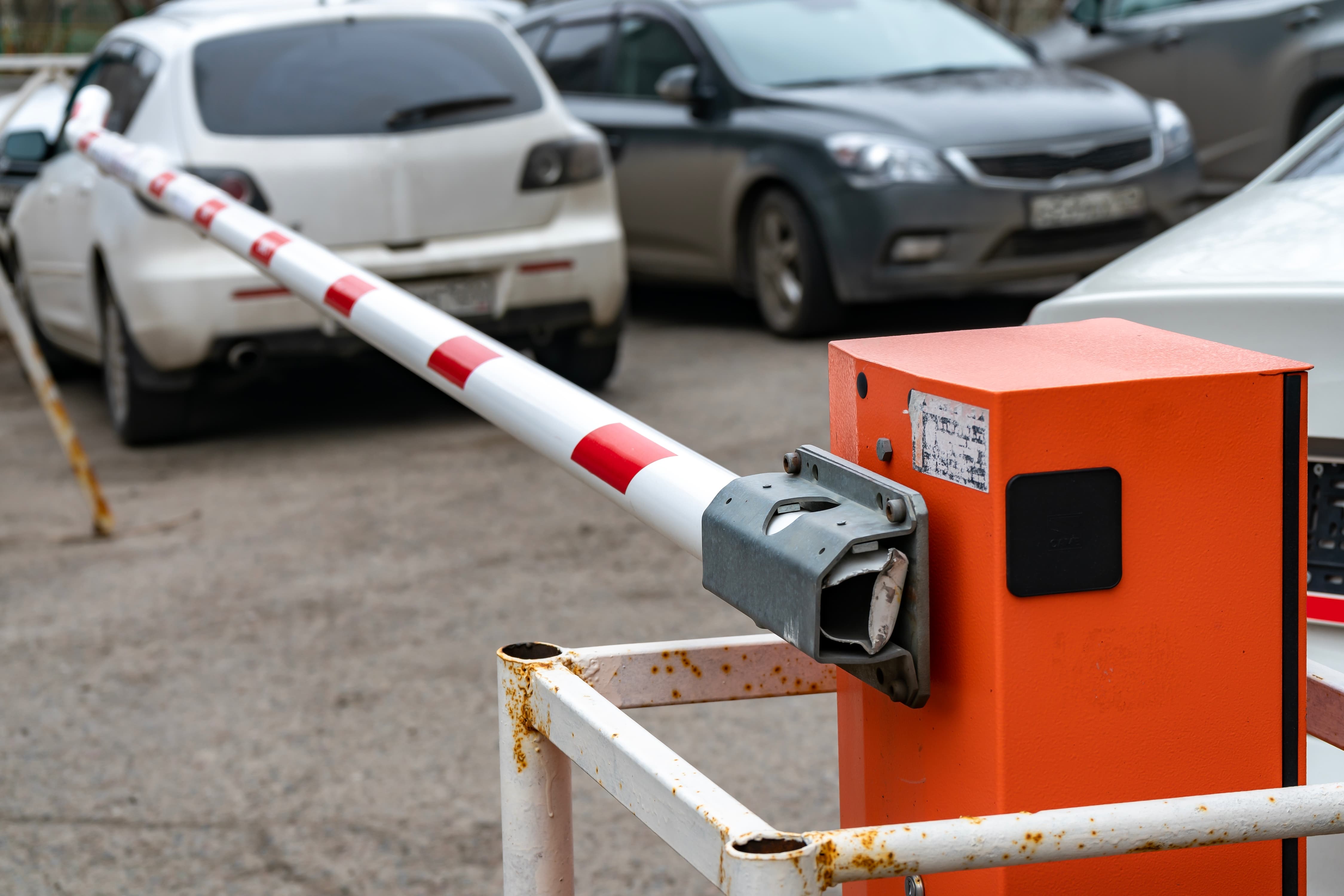
This is the trade-off most guides skip, and it's often the biggest cost driver in the entire decision. A full replacement means new barriers, new lanes, new everything — expensive, disruptive, and slow to deploy, often taking sites offline for weeks during construction. A retrofit approach integrates new software and hardware into the barriers, gates, and lane infrastructure already on site, cutting out the construction phase entirely and shortening deployment from months to weeks.
This is increasingly the smarter default rather than the exception — most sites already have working lane infrastructure, and there's rarely a good reason to pay to replace what isn't broken. At Inugo, this is the model the whole platform is built around: LPR, access control, and cashless kiosks integrated into your existing barriers and lanes, with no construction or rebuilds required. It's worth asking any vendor directly whether their system requires a full teardown or can work with what's already installed — that answer alone can change the total project cost and timeline more than any feature comparison.
QUESTIONS TO ASK
A short checklist worth taking into any vendor conversation — and the answers that should give you confidence:
- Does this work with our existing barriers and lane hardware, or does it require full replacement? "yes, we integrate" or an a solid explanation why they can't.
- Are payments ticketless/appless, and can visitors pay without downloading an app? Forcing an app download is friction that shows up directly in unpaid exits and support calls.
- How are monthly tenants and transient visitors handled differently within the same system? These are different problems — plate-based access for tenants, flexible pay-on-exit or phone payment for visitors — and both should run through one platform, not two.
- What does reporting actually show — is it real-time, and can we export it? Real-time, exportable data is table stakes; anything less means you're still waiting on the vendor to tell you what happened on your own site.
- What's the realistic implementation timeline based on sites similar to ours? A retrofit should be measured in weeks, not months.
- What happens when hardware fails — what's the actual response time, and is it covered? Get this in writing before signing, not after.
BOTTOM LINE
Parking management software genuinely solves real operational problems — but which vendor is right depends entirely on your site's existing infrastructure, your mix of monthly and transient users, and how much disruption you can tolerate during rollout. The strongest option on the market is usually the one that fits onto what you already have, rather than asking you to start from scratch.
That's the approach we've built Inugo around — LPR, access control, and cashless payment layered onto your existing barriers and lanes, live in weeks rather than months. If you're weighing up a retrofit against a full replacement, talk to our team about what that would actually look like for your site.