


WHAT IT IS
Two things working together. Auto pay is what settles a session automatically from the payment details saved in the app, with nothing for the parker to open or confirm. Automatic gate opening is the separate, per-plate setting that removes the ticket step at a gated site — without a ticket to pay off, the session has to settle itself, which is what brings auto pay into it. It's open to any public parker at a participating site — not restricted to monthly plans, corporate accounts, or anyone with a pre-existing relationship with the operator. A first-time visitor can set it up on their first stay and never think about payment there again.
BEFORE IT CAN WORK
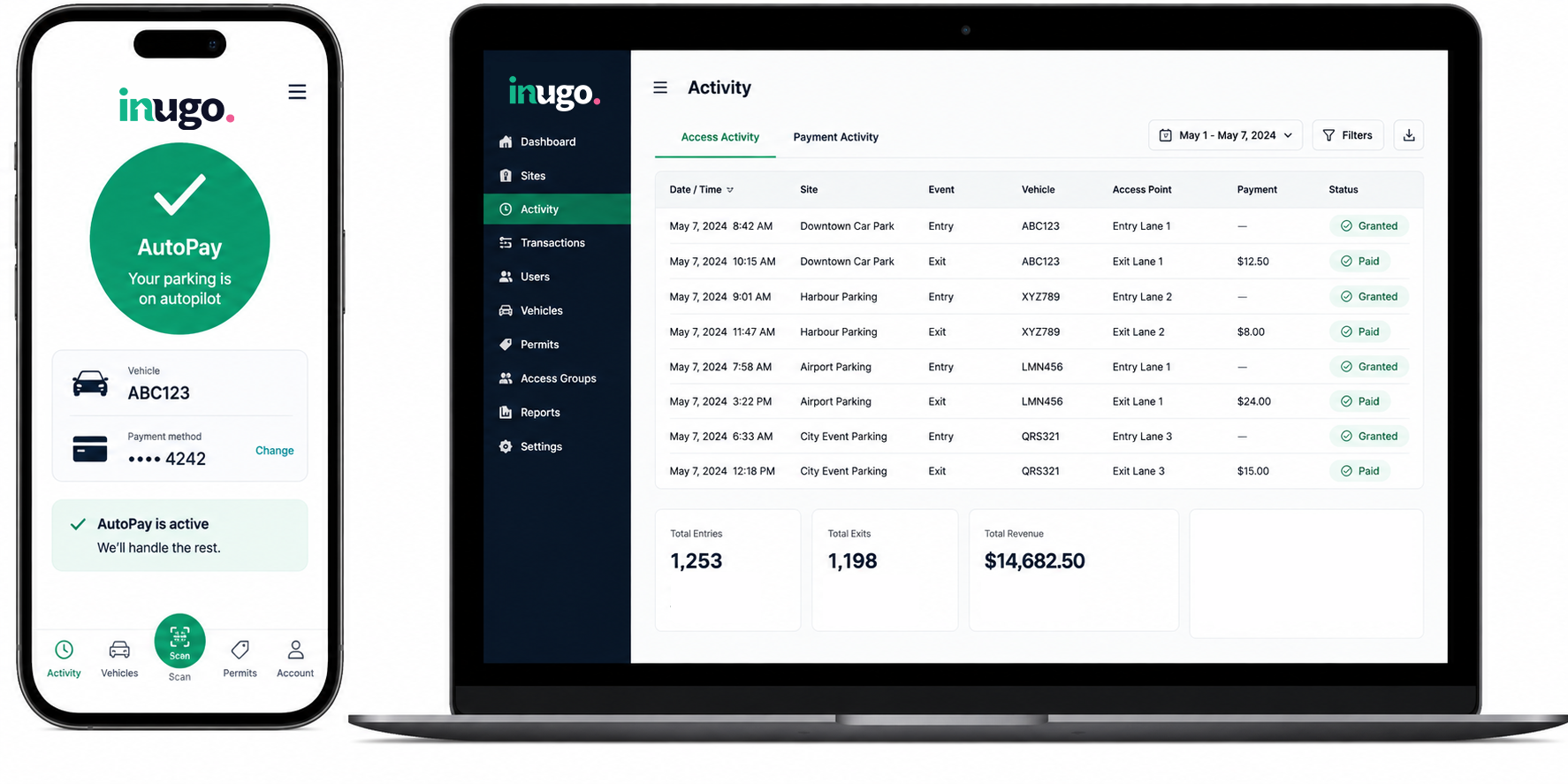
The only thing it asks upfront is a one-time account set up in the app — plate details and a saved payment method, done once in about two minutes. From then on the app also doubles as a parking history, with directions and pricing for the sites a parker uses, not just the mechanism behind automatic entry and payment. That record matters more than it might sound: a parker questioning a charge, or simply wanting to see how much they've spent at a site over the month, has an answer in the app rather than a receipt they've probably lost.
HOW IT WORKS AT A GATED SITE
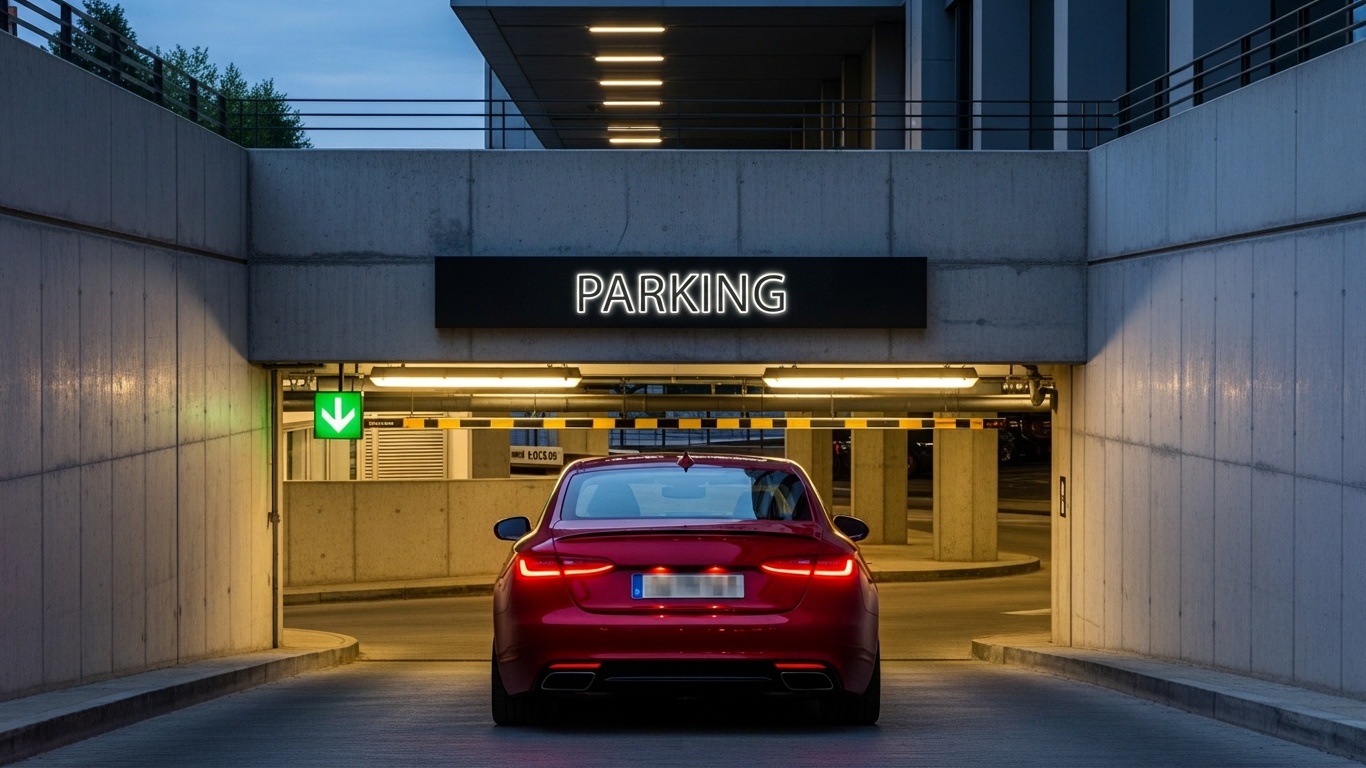
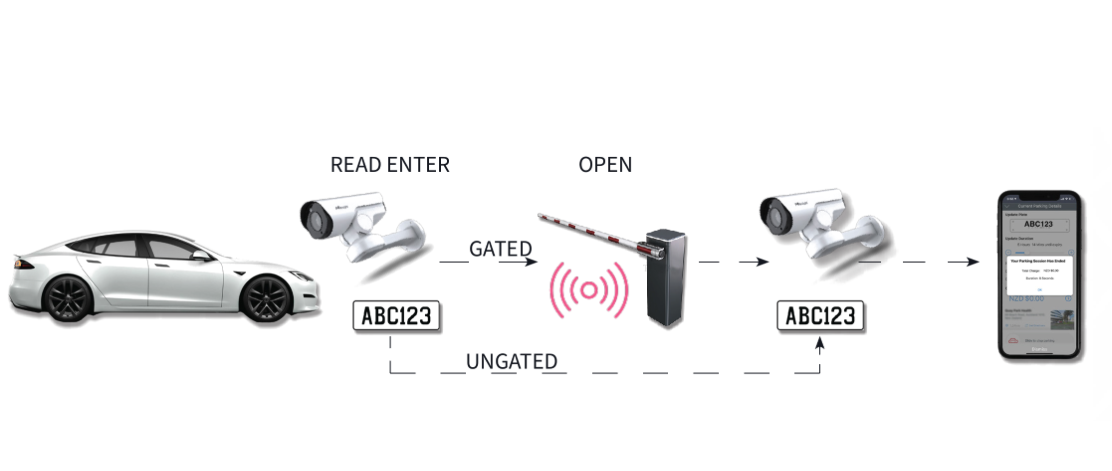
With automatic gate opening switched on for a plate, the camera reads it as the vehicle approaches and the gate lifts on entry — no ticket printed, nothing to take. On the way out, the same camera reads the plate again, and the gate lifts once auto pay has charged the saved details in the app for exactly the length of the stay. The driver doesn't do anything at either end; the whole session is opened, closed, and paid for on their behalf.
HOW IT WORKS AT A SITE WITH NO GATE
There's no ticket-and-machine routine to opt out of at a site with no gate at all, so there's no separate setting to switch on either. The camera reads the plate on entry and on exit, and auto pay charges the saved details in the app the same way it would at a gated site — it's simply the default way entry, exit, and payment work when there's no gate to interact with in the first place. An open lot, a multi-lane facility, a campus, a retail or mall car park, a marina, or an airport access road can all run this way, as long as there's a defined entrance and exit for a camera to cover.
WHY ITS WORTH TURNING ON
The alternative is the routine most parkers already know: pull a ticket, remember to keep it, find a pay station or a kiosk, queue if someone's ahead, then feed the ticket through or scan a code before moving on. Automatic entry and payment skips all of it — drive in, drive out, and everything happens in the background either way. It's a small saving on any single visit, but it adds up for a parker who's back at the same site regularly, and it removes one more reason for a queue to form at exit when a site is busy.
WHERE IT SHOWS UP THE MOST
Anywhere people arrive and leave in bursts feels the difference most. A stadium or event venue clearing thousands of cars after a game has no tolerance for a payment stop repeated at every exit lane. An airport access road, a hospital campus at shift change, a university car park in the first week of term — all of them see concentrated volume where a ticket-and-pay-station routine turns into a queue that backs up past the barrier itself. Automatic entry and payment doesn't just make one parker's visit smoother, it keeps the whole site moving when it matters most.
THE HARDWARE BEHIND IT
Not every site needs the same camera. A fixed dome camera suits a covered car park with consistent conditions; a PTZ bullet or dome camera covering two lanes at once suits a busier thoroughfare; a fixed speed-and-zoom camera reading at higher speeds fits a site with a longer run-up, like an airport access road. Whichever camera a site uses, it's built to keep working without a live internet connection — reads and sessions are stored locally and synced once connectivity is back, which matters for sites in basements, remote structures, or areas with patchy signal.
WHAT THE OPERATOR SEES
Every automatic entry, exit, and payment is still logged — plate, timestamp, and payment record — and visible in real time through the Inugo Management Console, alongside every other transaction on site. Automating the parker's side of the experience doesn't remove any of the record-keeping on the operator's side; it just means fewer of those sessions needed a person, a ticket machine, or a pay station to make them happen.